AI · Blog
Is Your Website Invisible to AI? The 5-Minute Reachability Check
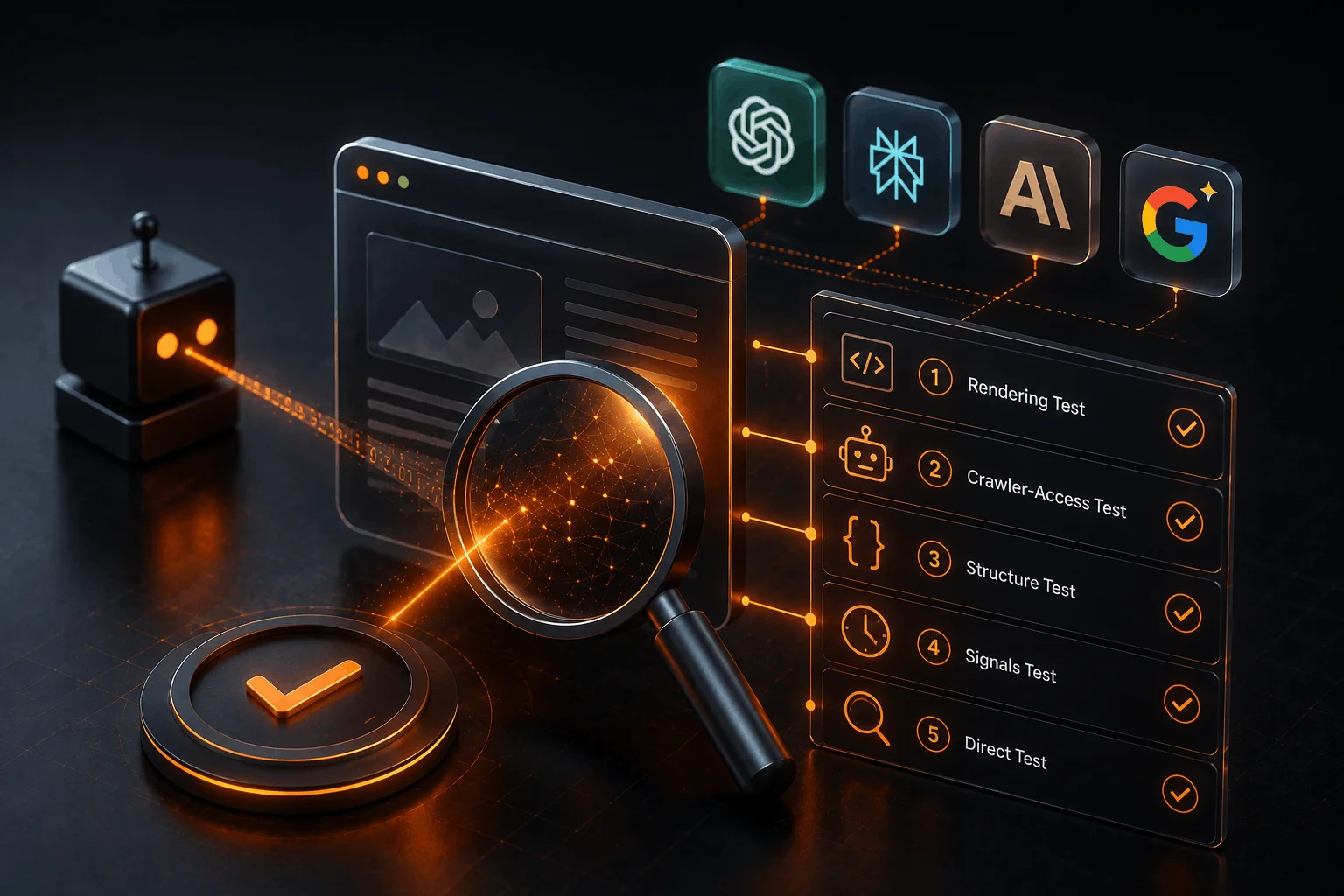
Your website can look flawless in a browser and still be completely invisible to AI search. The reason is that AI crawlers don't experience your site the way a person does — many don't run JavaScript, some are blocked before they ever reach your pages, and most can't verify content that has no structure. Below are five tests you can run in about five minutes to find out whether ChatGPT, Perplexity, Gemini, and Google's AI Overview can reach, read, and cite your business.
We run this exact diagnostic at the start of every AI Visibility Audit. Here it is, so you can run it yourself.
Why bother? Because AI answers now consume a large and growing share of searches, and those answers cite only a handful of sources. According to SparkToro's 2026 clickstream research, 68% of U.S. Google searches now end without a click, up from roughly 60% just two years earlier, and click-through drops sharply further whenever an AI Overview appears. If your site fails any one of the tests below, you're not competing for that citation — you're not even in the room. (For the full strategy behind these checks, see our pillar guide: How to Get Your Business Found by AI Search in 2026.)
Test 1 — The Rendering Test (60 seconds)
What you're checking: whether your content exists in the page before JavaScript runs. This is the single most common failure.
Do this: Open your most important page. Disable JavaScript in your browser (in Chrome: DevTools → Command Menu → "Disable JavaScript"), then reload.
You fail if: the page goes blank, shows only a spinner, or collapses to a shell. That's what a crawler which doesn't execute JavaScript receives — nothing to read, nothing to cite.
You pass if: your headline and body text are still fully there.
Why it matters: if your content is rendered entirely in the browser (client-side rendering), AI crawlers may fetch an empty page. Vercel's crawler-traffic study found that major AI bots fetch JavaScript files but consistently fail to execute them, so anything rendered only in the browser is invisible to them. The fix is server-side rendering or static generation — the full text has to be in the initial HTML response. This is often the difference between "we have a great blog" and "AI has never read a word of it."
Test 2 — The Crawler-Access Test (90 seconds)
What you're checking: whether AI bots are even allowed onto your site.
Do this: Visit yourdomain.com/robots.txt in your browser. Look for any lines that Disallow these user-agents — or that block them entirely: GPTBot, OAI-SearchBot, PerplexityBot, ClaudeBot, Google-Extended.
Then check your CDN. If you use Cloudflare, this is critical: Cloudflare's own July 2026 announcement confirms that Training and Agent crawler categories will be blocked by default on ad-monetized pages starting September 15, 2026, so you can be shut out at the edge even when your robots.txt looks fine. Check your bot-management and firewall settings.
You fail if: the citation crawlers are disallowed in robots.txt, or your CDN is filtering them out.
You pass if: the search-and-answer bots are allowed through both.
Why it matters: blocking the bots that fetch live to answer a question guarantees you'll never appear in that answer. (You can make a separate, deliberate decision about training-only crawlers — that's a different conversation.)
Test 3 — The Structure Test (90 seconds)
What you're checking: whether AI can verify what your page is, instead of guessing.
Do this: Run your page through a schema validator (Google's Rich Results Test or Schema.org's validator). Look for structured data — specifically Organization, Article, and FAQPage.
You fail if: the validator finds no structured data at all.
You pass if: at least Organization and Article are present and valid.
Why it matters: structured data (JSON-LD schema) is the machine-readable layer that states plainly who published the page and what it's about. Google's own documentation describes structured data as explicit clues that help search systems understand a page rather than infer it. Facts an AI can verify get cited with far more confidence than facts it has to infer.
Test 4 — The Signals Test (60 seconds)
What you're checking: two fast content signals AI leans on — freshness and entity clarity.
Do this: On any key page, confirm there's a visible, recent "last updated" or published date, and that your business name and what you do appear explicitly in the text — not just in the logo image.
You fail if: there's no date, or your brand and category are only implied.
You pass if: the page is clearly dated and names your business and its category in plain text.
Why it matters: AI answers reward recency, and they need explicit text to resolve who the page is about. A name that lives only inside a logo image is invisible to a language model.
Test 5 — The Direct Test (60 seconds)
What you're checking: the bottom line — does AI already know you exist?
Do this: Open ChatGPT (with search on) and Perplexity, and ask, in plain language, a question a customer would ask — e.g., "Who are the best [your category] companies in [your city]?" or "What is [your business name]?"
You fail if: you're not mentioned, or the AI gets your details wrong.
You pass if: you're named accurately, ideally with a link.
Why it matters: this is the real-world result of Tests 1–4. If AI can't describe you correctly, buyers asking AI about your category are being handed your competitors instead.
Your scorecard
Failed Test 1 or 2: stop everything else. You have an access problem — AI literally cannot read your site. Fix rendering and crawler access first; nothing else matters until then.
Passed 1–2, failed 3–4: you have an understanding problem. Your content is readable but hard to parse and verify. Add schema, dates, and explicit entity naming.
Passed 1–4, failed 5: you have an authority and time problem. The foundations are right; now you need credible mentions elsewhere and a few weeks for engines to catch up. First citations typically appear within four to eight weeks of fixing the structural issues.
Frequently asked questions
How can my site look fine to me but be invisible to AI? Because your browser runs JavaScript and an AI crawler often doesn't. If your content is assembled in the browser, the crawler can receive a blank page even though you see a complete one.
Is a Cloudflare-hosted site automatically blocked from AI? Not automatically, but Cloudflare's evolving defaults can block AI bots without you changing anything. It's worth checking your bot settings directly rather than assuming.
Do I need to do this for every AI platform separately? No. These five tests cover the shared fundamentals — access, rendering, structure, freshness, entity clarity — that determine visibility across ChatGPT, Perplexity, Gemini, and Google's AI Overviews at once.
I failed several tests. What now? Work bottom-up: access first (Tests 1–2), then structure (Tests 3–4), then authority and patience (Test 5). Our pillar guide walks through each fix in order.
This check is maintained by BalochDev, an AI-first software development studio. We build products — and the sites that sell them — to be found by both people and machines. Last updated 9 July 2026.
Failed a test and want the fix mapped out? Our AI Visibility Audit runs this diagnostic in depth and hands you the exact gaps to close, in priority order. Get in touch.
Sources & further reading
SparkToro — "In 2026, Less than One Third of Google Searches Still Send a Click" (June 2026) — https://sparktoro.com/blog/in-2026-less-than-one-third-of-google-searches-still-send-a-click/
Vercel — "The Rise of the AI Crawler" — https://vercel.com/blog/the-rise-of-the-ai-crawler
Cloudflare — "Your site, your rules: new AI traffic options for all customers" (July 2026) — https://blog.cloudflare.com/content-independence-day-ai-options/
Google Search Central — "Understand how structured data works" — https://developers.google.com/search/docs/appearance/structured-data/intro-structured-data