AI · Blog
How to Test If an AI Crawler Can Actually Read Your Page
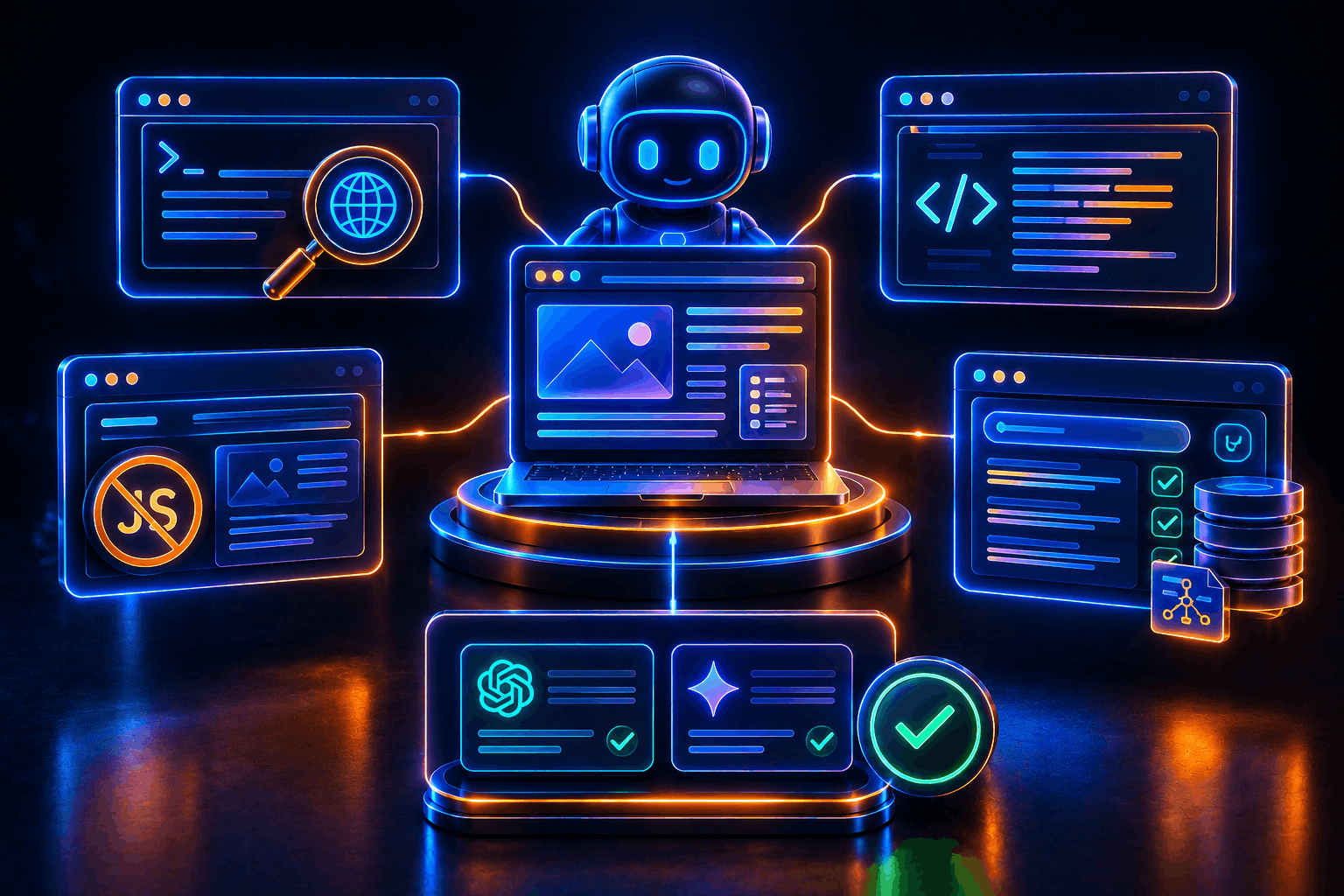
The most reliable way to know what an AI crawler sees is to simulate one. The five methods below — curl simulation, JavaScript-disabled browser test, view source check, schema validation, and a live AI prompt test — together cover all three gates of AI visibility: can it reach your page, can it read your content, and does it trust and cite you. One distinction the tests below depend on getting right: not every AI bot determines citation eligibility. GPTBot is OpenAI's training crawler — it feeds model training and has no bearing on whether you show up in a live ChatGPT answer. OAI-SearchBot is the one that actually indexes pages for ChatGPT search and decides citation eligibility, and ChatGPT-User is the on-demand fetcher triggered when someone pastes your URL into ChatGPT. Run all five methods below before publishing any important page, not after wondering why citations aren't appearing.
Method 1 — curl simulation (access test)
Simulate a bot fetch from your terminal, testing each bot by its actual purpose:
bash
# Test access (checks if the bot is blocked)
curl -I -A "OAI-SearchBot" https://yourdomain.com/your-page   # ChatGPT citation eligibility
curl -I -A "ChatGPT-User" https://yourdomain.com/your-page    # On-demand ChatGPT fetches
curl -I -A "PerplexityBot" https://yourdomain.com/your-page   # Perplexity citation eligibility
curl -I -A "GPTBot" https://yourdomain.com/your-page          # Training only — not a citation signal

# Test content (checks what the bot receives)
curl -A "OAI-SearchBot" https://yourdomain.com/your-page | grep -o '<h1>.*</h1>'
curl -A "OAI-SearchBot" https://yourdomain.com/your-page | grep "Your article title"
200 OK = accessible. 403 Forbidden = blocked at CDN or server level. If your article title appears in the grep output, the content is in the initial HTML. If you're specifically checking whether you can be cited in ChatGPT, OAI-SearchBot's result is the one that matters — a passing GPTBot test alone doesn't tell you anything about citation eligibility.
Method 2 — View source check (rendering test)
Open your page in a browser. Right-click → "View Page Source" (Ctrl+U on Windows, Cmd+U on Mac). This shows the raw HTML as a server sent it — exactly what an AI crawler receives.
Search (Ctrl+F) for a sentence from your article body. If it's there, AI crawlers can see it. If you only see <div id="root"></div> and script tags, your page is client-side rendered and invisible to AI crawlers.
Method 3 — JavaScript-disabled test (rendering confirmation)
In Chrome DevTools: open DevTools → press Ctrl+Shift+P (Cmd+Shift+P on Mac) → type "Disable JavaScript" → reload.
If your content disappears or the page collapses to a blank shell, AI crawlers receive nothing. If your content stays visible, you're server-rendering correctly.
Method 4 — Schema validation (structure test)
Visit Google's Rich Results Test: search.google.com/test/rich-results. Enter your page URL. Run the test.
The test fetches your page as Googlebot (server-rendered) and shows all schema it found. Check for Organization, Article, and FAQPage entries. If schema you know you added doesn't appear, it's being injected by JavaScript and is invisible to AI crawlers.
Also use Schema.org's validator at validator.schema.org for more detailed output on schema errors.
Method 5 — Live AI prompt test (citation test)
Ask ChatGPT (with search enabled) and Perplexity a question your article directly answers. Use the exact question your <h1> targets.
If you're cited: your page is accessible, readable, and trustworthy enough to be selected.
If you're not cited after 4–6 weeks post-publish: return to Methods 1–4. The most common causes are OAI-SearchBot or PerplexityBot blocked at the CDN (Method 1 returns 403), a rendering failure (Method 2 shows empty source), or missing schema (Method 4 finds nothing). A blocked GPTBot alone is not the cause of a missing ChatGPT citation — check OAI-SearchBot specifically.
The full test sequence before publishing
View source → confirm article body is in the HTML
curl
OAI-SearchBot→ confirm 200 OK (ChatGPT citation eligibility)curl
PerplexityBot→ confirm 200 OKRich Results Test → confirm Organization + Article + FAQPage schema
Disable JS → confirm content stays visible
If all five pass, your page is citation-eligible. The rest is content quality and authority — which takes time, not fixes.
Frequently asked questions
Is testing GPTBot access still worth doing? Yes, but for a different reason — training inclusion, not citation. If you want your content excluded from OpenAI's model training while staying citable in ChatGPT search, block GPTBot and allow OAI-SearchBot and ChatGPT-User separately in robots.txt. They're controlled independently.
Do I need to test every AI bot individually? For the platforms that matter to your audience, yes. OAI-SearchBot for ChatGPT, PerplexityBot for Perplexity, and the equivalent search-specific bots for any other AI engine your buyers use. Testing a training-only bot as a proxy for citation eligibility will give you a false pass.
What if curl returns 200 OK but I'm still not cited? Access isn't the only gate. Move to Methods 2–4: confirm the content is actually in the server-rendered HTML (not injected by JavaScript), and confirm your schema validates. Citation also depends on content quality and authority signals that these five methods don't test.